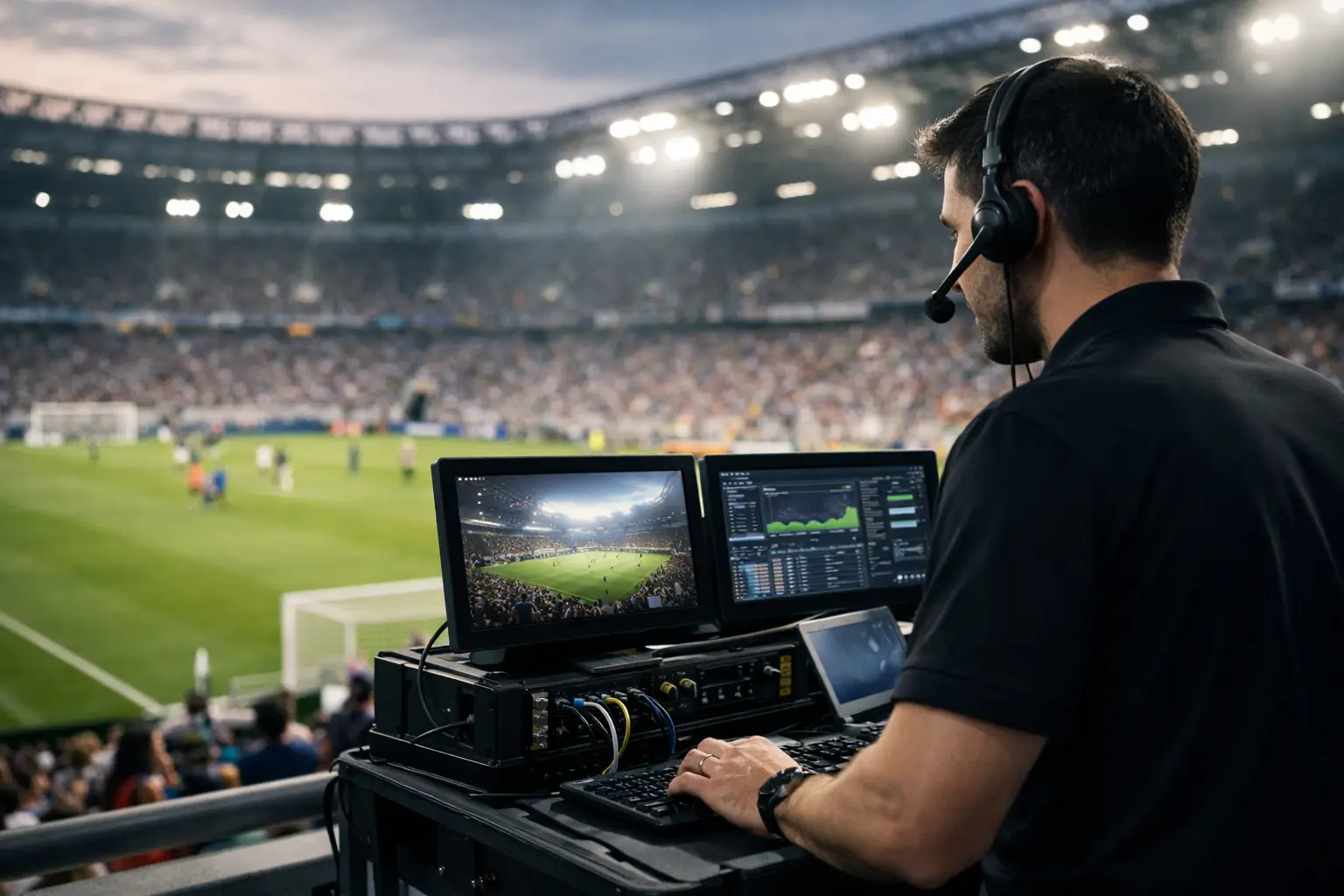
A packed room waiting for kickoff is not the time to find out your WiFi can’t handle 400 devices, your backup circuit was never tested, or your stream degrades the minute the crowd arrives. World Cup venue IT support is not generic help desk coverage. It is live-event infrastructure planning, rapid fault isolation, and on-site response built for moments when downtime turns into lost sales, refunds, and public frustration fast.
For Atlanta operators preparing for 2026 demand, the risk is simple. Match-day traffic changes the behavior of every system in the building at once. Guest WiFi spikes. Staff devices compete for bandwidth. Streaming endpoints pull more throughput. POS terminals need clean network paths. Digital signage, security cameras, and back-office tools keep running in the background. If the network was designed for a normal Friday, it can fail under international tournament load.
What world cup venue IT support actually covers
At venue level, support has to go well beyond password resets and basic troubleshooting. The real work starts with network readiness. That means reviewing internet capacity, firewall configuration, switch health, wireless access point placement, VLAN design, and failover behavior before the first crowd shows up.
Streaming reliability is the next pressure point. Many venues assume the issue is the content provider when the real problem sits inside the building - packet loss, poor QoS policy, congested WiFi, aging cabling, overloaded switches, or poorly segmented traffic. A live sports environment exposes weak infrastructure quickly because fans notice every freeze, buffering delay, and audio sync problem immediately.
Support also has to account for operational systems that don’t get attention until they fail. POS traffic, kitchen printers, reservation systems, digital menu boards, surveillance systems, access control, and staff communications often share infrastructure with guest-facing services. If one unstable device floods the network, the impact can spread fast. Good support isolates the issue without disrupting the entire floor.
Cybersecurity matters more during high-profile events too. Public visibility rises. Temporary staff may join the operation. New devices get added in a rush. Phishing risk increases, guest networks attract abuse, and exposed remote access tools become more dangerous when the venue is under pressure. A strong support plan treats uptime and security as the same conversation.
Why match-day failures hit harder than normal outages
In a standard business hour outage, there may be room to troubleshoot calmly. During a World Cup match, every minute costs more. Bars and restaurants lose tabs. Hotels absorb guest complaints. Broadcasters and sponsors face brand damage. Event organizers deal with crowd frustration in real time.
The financial damage is obvious, but the reputation hit can be worse. A venue that can’t keep the match on screen, process transactions, or provide stable connectivity during the biggest sports event in the world will be remembered for the wrong reason. Guests do not separate internet issues from venue performance. To them, it is one experience.
That is why world cup venue IT support has to be local, fast, and technical. Remote-only support can help with some alerts, but it cannot replace an engineer who can trace a bad uplink, reconfigure switching, replace failed hardware, test cabling, or segment traffic on site while the room is full.
The systems most likely to break under tournament demand
Most venue operators focus on internet speed first, and that matters, but bandwidth alone does not solve crowd-load problems. The failures that hurt most often come from design gaps.
WiFi is one of the biggest examples. Access points may be poorly placed, underpowered for density, or configured with overlapping channels that create interference. A venue can buy more internet and still deliver a bad guest experience if wireless design is wrong.
Streaming paths are another weak point. If multiple TVs, media players, and control systems rely on a network that was never prioritized for video traffic, playback issues will show up under load. The same goes for backhaul redundancy. A secondary circuit is useful only if failover actually works and has been tested under realistic conditions.
Then there is hardware age. Old switches, unstable power, unmanaged network gear, and inconsistent firmware create problems that stay hidden during low demand. The World Cup does not create those weaknesses. It exposes them.
How to prepare a venue before the first match
The best time to fix event technology problems is before the schedule forces your hand. Preparation starts with a readiness audit that looks at capacity, redundancy, wireless design, endpoint inventory, and support coverage. This is not paperwork for its own sake. It is the fastest way to identify whether the venue can survive peak load.
Traffic mapping matters. Operators need to know what shares the network, what must be prioritized, and what can be isolated. Guest WiFi should not compete directly with payment systems. Streaming devices should not be left vulnerable to congestion caused by unmanaged endpoints. Surveillance and administrative systems should be segmented with clear policy control.
Testing also has to reflect reality. If a venue expects standing-room-only crowds, tests should simulate heavy wireless use, active streaming, staff POS traffic, and failover events. A clean result at 10 a.m. with half the systems idle does not prove much.
For many Atlanta businesses, this is where a specialist matters. GDS Technology is built for exactly this kind of environment - live, visible, revenue-sensitive operations where the cost of technical failure rises by the minute.
World Cup venue IT support for different venue types
Not every operator faces the same technical profile. A sports bar has different exposure than a hotel or sponsor activation space, even if all three depend on uptime.
A bar or restaurant usually needs dense guest WiFi coverage, strong streaming consistency across many screens, stable POS performance, and rapid response during service hours. The challenge is concurrency. A room full of guests can stress every digital system at once.
Hotels face a broader footprint. Guest rooms, lobby screens, conference areas, back-office systems, and property-wide WiFi all interact. If a hotel is hosting teams, media, or event-related guests, expectations rise even further. Support has to account for both hospitality operations and event-driven traffic spikes.
Event venues and sponsor spaces often need temporary infrastructure, pop-up networks, managed streaming, and strict timing. There may be no tolerance for delay because activations run on fixed schedules. In those environments, pre-staging, on-site engineering, and active monitoring become essential.
Broadcasters and production partners have the smallest margin for error. Their requirements often include priority traffic handling, dependable uplinks, low-latency performance, and quick recovery options. What works for a hospitality guest network may be nowhere near sufficient for live media workflows.
What strong support looks like during the tournament
Good support is visible before a problem happens. It includes live monitoring, alert response, documented escalation paths, spare hardware planning, and clear ownership across the venue team and the IT provider.
During matches, support should track more than internet up or down status. It should watch access point performance, bandwidth saturation, packet loss, stream health, firewall events, and unusual security activity. Small degradations often show up before a full outage. Catching them early changes the outcome.
Response time matters, but so does diagnosis quality. Fast arrival means little if the provider cannot isolate whether the issue is ISP-related, wireless congestion, switching failure, endpoint misconfiguration, DNS resolution, or a cybersecurity incident. In live event conditions, guesswork wastes revenue.
There are trade-offs, of course. Full on-site coverage costs more than remote standby. Redundant circuits add expense. Enterprise wireless redesign is a bigger project than adding a few access points. But those decisions should be weighed against the cost of a failed match-day service window, not against a quiet weekday baseline.
The right question is not whether you need support
The right question is whether your current setup is built for tournament conditions or just ordinary operations. If your venue depends on streaming, transactions, guest connectivity, or broadcast-quality uptime, then the issue is not theoretical. It is operational exposure.
World Cup traffic does not forgive weak planning. A venue either has tested infrastructure, backup paths, monitoring, and rapid-response support, or it is hoping the biggest crowd of the year behaves like a normal night. Hope is not a strategy when every screen, sale, and guest expectation depends on the network staying up.
Now is the window to test what your venue can actually handle, close the gaps that matter, and put real support behind the systems your business will depend on most when the room is full and the match is live.